Built for Indian dental clinics
Keep the whole
clinic day together.
From the first booking to the final receipt, your team works from the same patient record. Built for Indian dental clinics with one branch or many.
Appointments · FDI charting · prescriptions · GST billing
One visit, visible from reception to receipt.
Daily work
One record follows the patient through the day.
Reception, the clinical team and billing work with the same details. No one has to enter the patient twice.
View every feature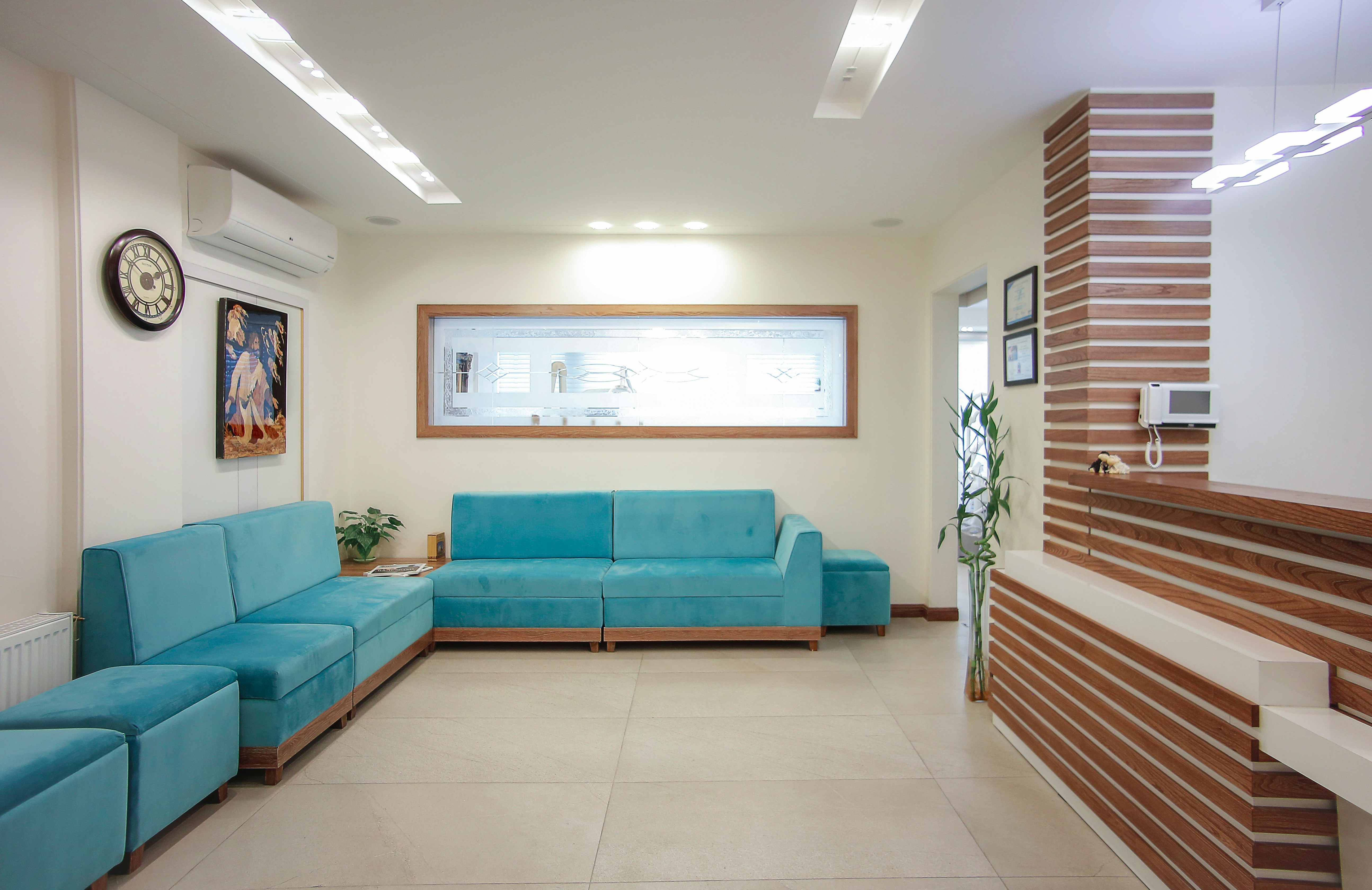
- 01
Patients
Register once. Find the same record at every branch.
- 02
Appointments
Book the dentist and the chair without an overlap.
- 03
Live queue
See who is waiting, seated or finished as it happens.
- 04
Clinical chart
FDI tooth charting, perio and treatment history.
- 05
Treatment
Move an estimate from accepted to completed work.
- 06
Billing
Handle exempt care, taxable items and the day book.
A patient visit
See the right screen at each step.
Choose a step to see what the team records and what carries forward.
- 1New patient
- 2Appointments
- 3Live queue
- 4Clinical chart
- 5Treatment plan
- 6Invoice
Register a patient
Lakshmi’s record at this step
Register the patient once. When the desk books a procedure, the medical alert is already there.
Multi-visit treatment
A root canal is a course of visits.
Each stage has its own appointment and interval. When a visit is completed, the dates for later stages recalculate from the day it actually happened.
- Start from a clinic treatment protocol
- See the next unbooked stage and its due date
- Late visits move the remaining planned dates forward
- 1Day 0 · StartDiagnosis and radiograph
Consultation
Done - 2Day 0 · Same dayAccess opening and pulp extirpation
Root canal visit
Done - 3Day 7 · +7 daysBiomechanical preparation
Root canal visit
Up next - 4Day 14 · +7 daysObturation
Root canal visit
Planned - 5Day 17 · +3 daysPost-endodontic restoration
Filling visit
Planned - 6Day 24 · +7 daysCrown preparation and impression
Crown and bridge visit
Planned - 7Day 34 · +10 daysCrown cementation
Crown and bridge visit
Planned - 8Day 64 · +30 daysReview
Review visit
Planned
Appointments
A chair cannot be in two places at 9:00.
Every booking belongs to a chair, a clinician and a speciality. The system catches an overlap while the desk is booking it.
- See all branches in one schedule
- Move bookings without losing context
- Keep the waitlist beside the day
- 16Crown, performed
- 24Caries, occlusal surface
- 26Extraction, planned
- 36Root canal, performed
- 45Bridge pontic, planned
- 46Bridge abutment, planned
- 47Bridge pontic, planned
At the chair
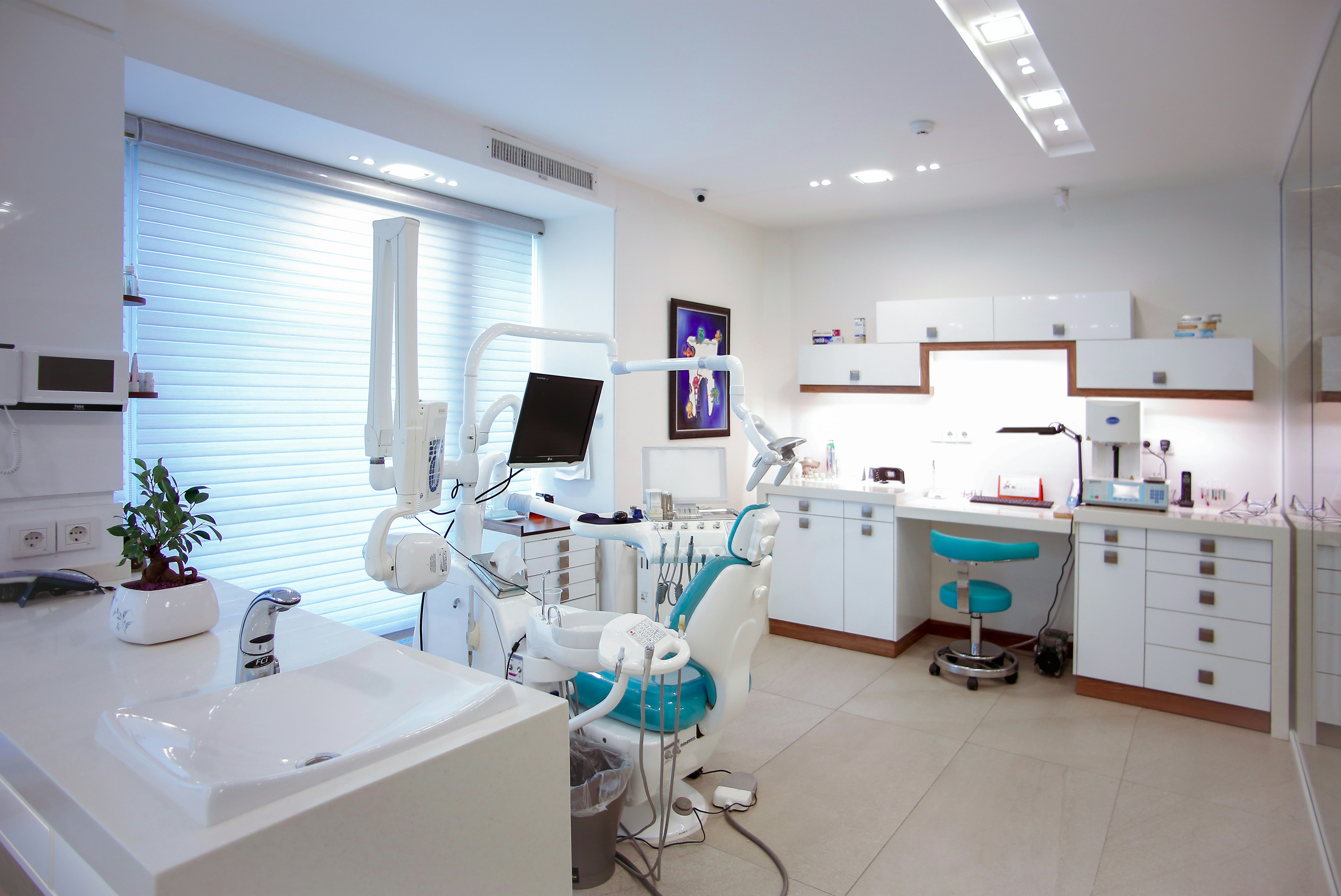
Chart the tooth. Keep the treatment together.
A bridge across 45 to 47 remains one treatment. Conditions, surfaces, plans and completed work stay easy to read months later.
Explore clinical tools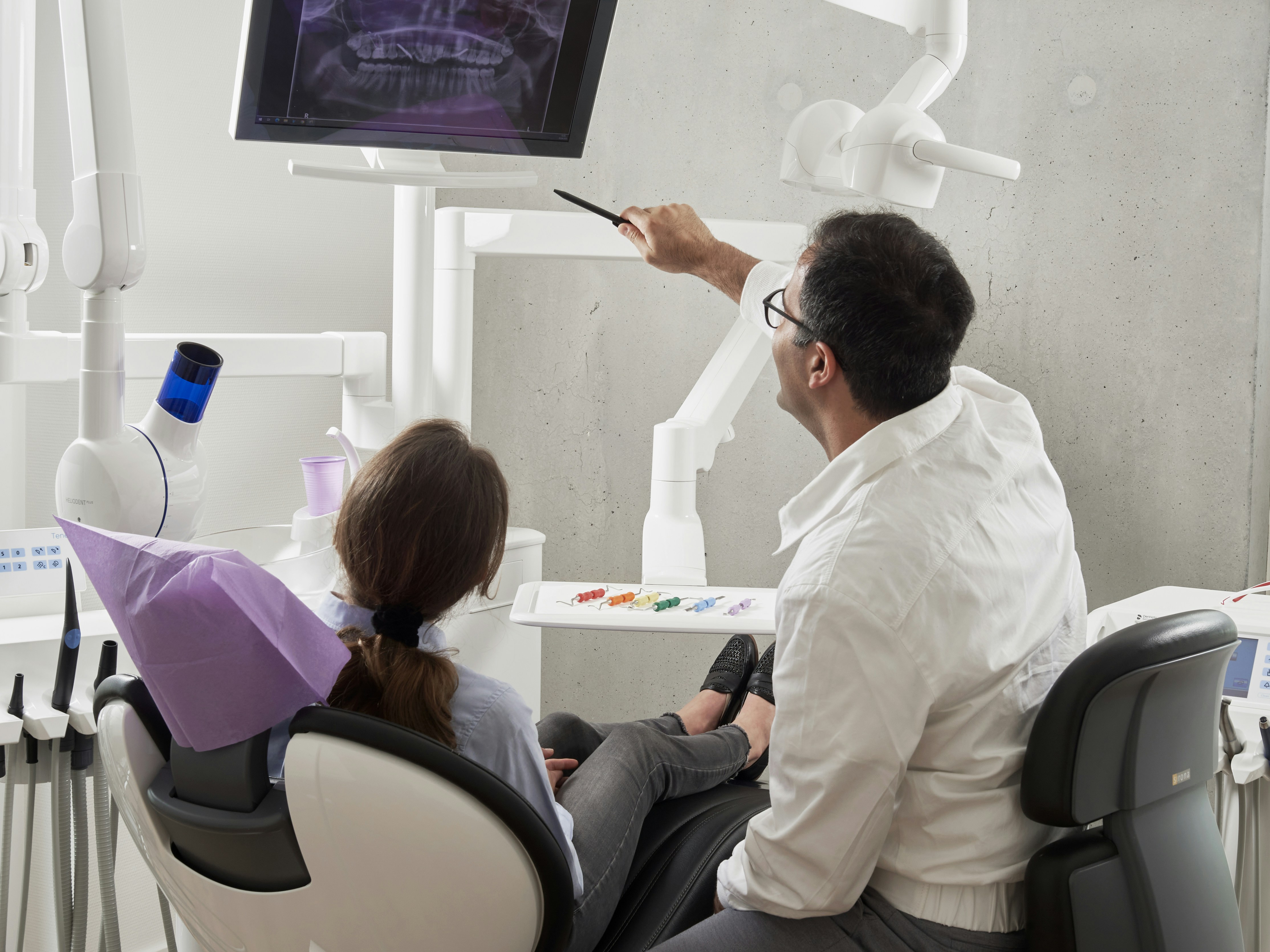
Patient data
Each clinic’s records stay inside that clinic.
The database enforces this boundary on every request. The application cannot bypass it, and the test suite checks every route against another clinic’s data.
isolation and infrastructure tests
- Clinic data stays with that clinic. Row-level security is forced on every tenant table. A missing filter returns no records.
- Staff see only what their role needs. Front desk, assistant, dentist and owner permissions are separate and adjustable.
- Every access leaves a trail. Reads and changes are recorded, including who opened a patient record and when.
- A new route must pass the isolation test. The build checks every registered route before it can be merged.
Team access
Give people access that matches their work.
Reception can move the queue without opening clinical notes. Dentists can treat without changing branch settings. Owners keep the full view.
Show us one busy clinic day.
We will map the way your team works now, flag what needs to change and explain what a migration would involve.
- Walk through your current booking and billing flow
- Check branches, roles and data access
- Discuss migration before you commit